

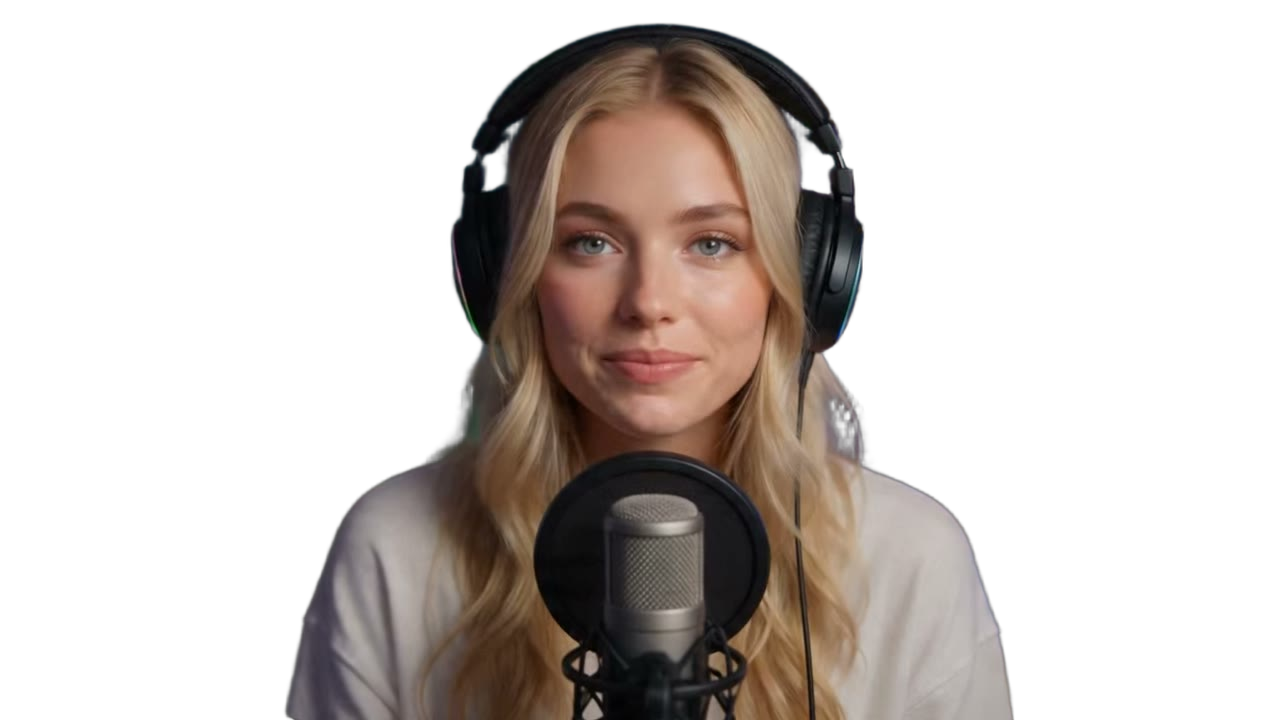
 Studio faceFavorite
Stadium Thumbs
YouTube thumbnailsfrom your own photo.
Place your face and branding, finish the frame with AI, and download a 16:9 thumbnail for YouTube or Rumble.
Why Stadium Thumbs
YouTube thumbnails from your own photos, not a template pack
Build a 16:9 YouTube thumbnail with the photos you already use on stream, finish it with AI, and keep the history on your Stadium account. Same login as Payments and Rumble.
Canvas
Layer faces and branding on a 16:9 stage
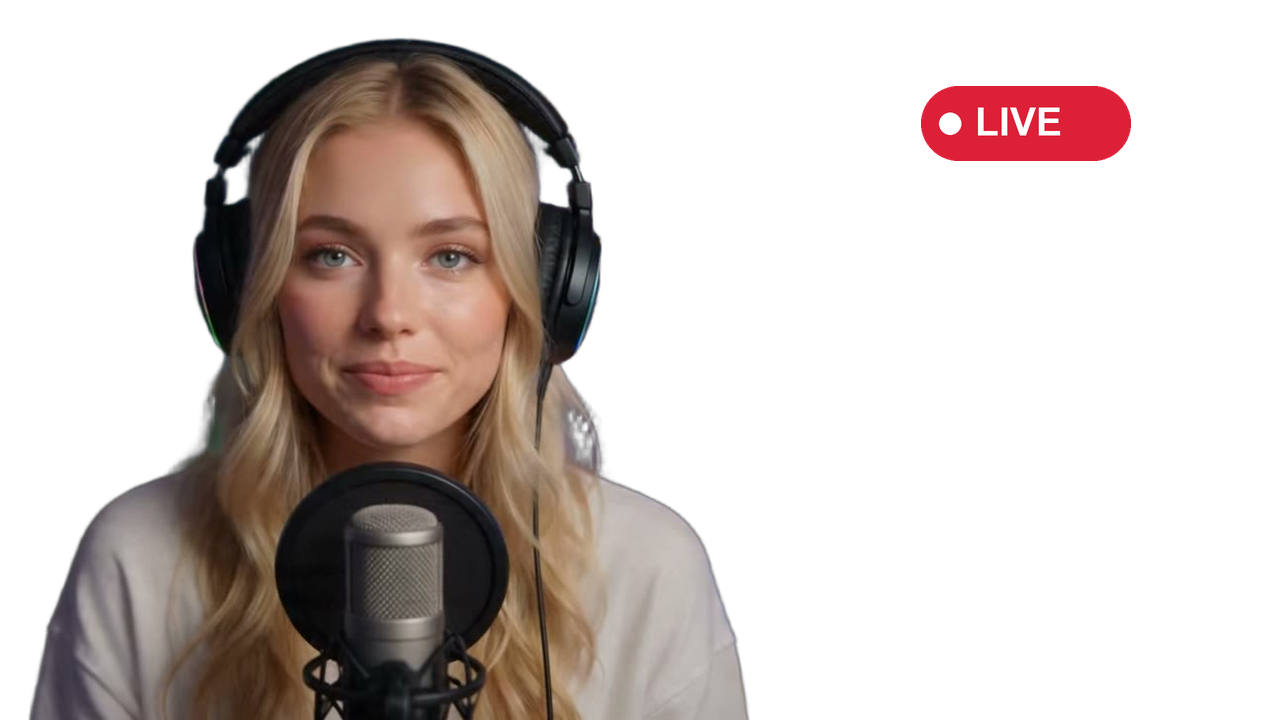
The workspace is a real compositor, not a template picker. Place a face, lock branding to the corner, crop, reorder, and keep every layer unique to your account.
- 16:9 canvas with the same prismatic frame you use in the editor
- Move, crop, lock, and reorder layers without leaving the page
- Add branding from the layers panel in one click
- Undo, persist, and pick up the composition next time
 Smiling
Enhance
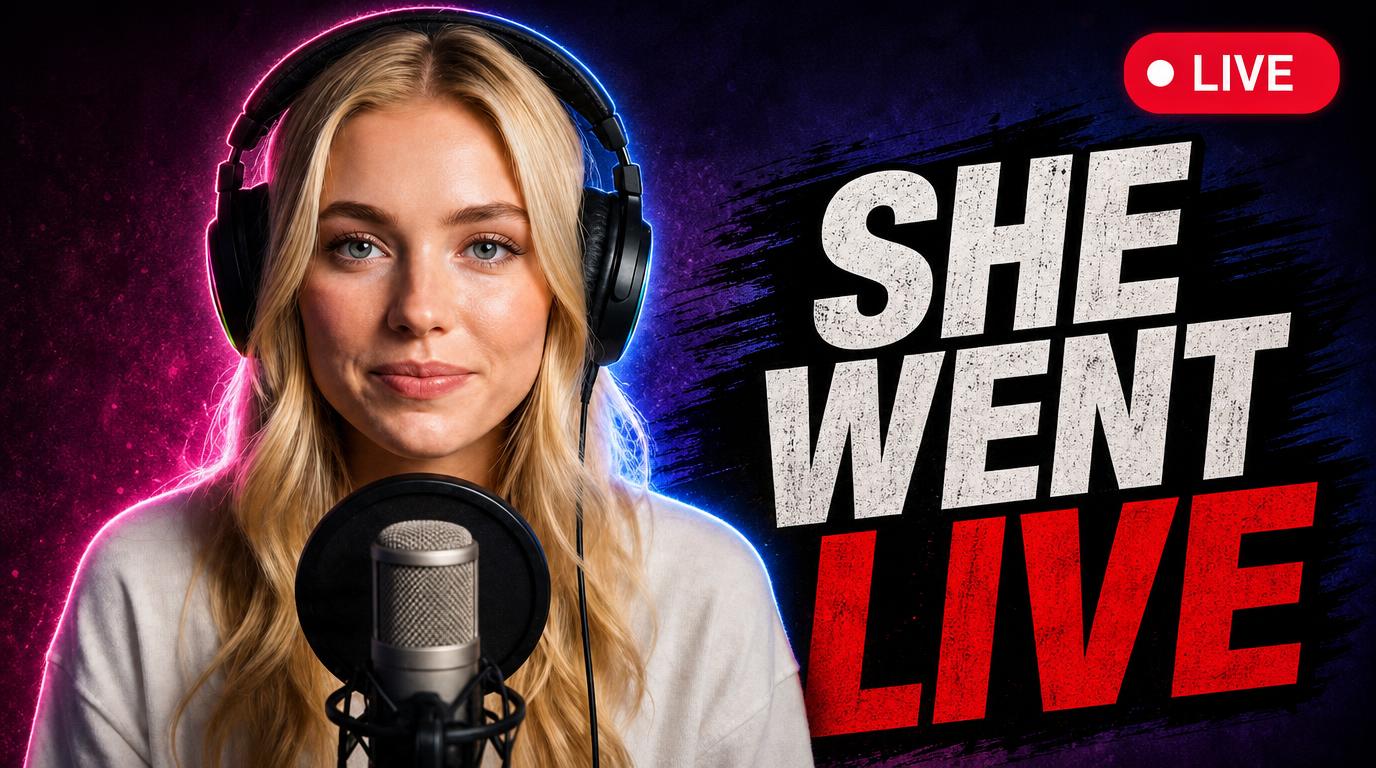
One click from composition to a finished thumbnail
Enhance spends tokens and returns a 16:9 image you can copy, download, or drop back on the canvas. Stadium+ tops up the monthly allotment. Anyone signed in can buy more.
- Stadium+ grants enough tokens for at least one Enhance a day
- Failed jobs refund automatically
- History keeps every finished thumbnail on your account

Creator spotlight
I place my own photos on the canvas, and Enhance turns that frame into a YouTube thumbnail.
Setup
A finished thumbnail in minutes
Sign in once, upload the faces you already have, and Enhance from the canvas.
- 01
Sign in
Use the same Stadium account as Payments and Rumble. We only need basic profile access.
- 02
Upload faces and branding
Build a library of expressions, favorite the keepers, and save one branding mark.
- 03
Compose the canvas
Drop layers onto the 16:9 stage, crop, lock, and reorder until the frame is right.
- 04
Enhance and download
Spend tokens to Enhance, then copy, download, or send the result back to the canvas.